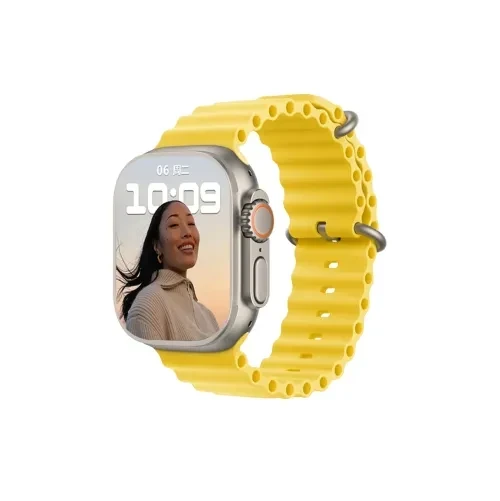
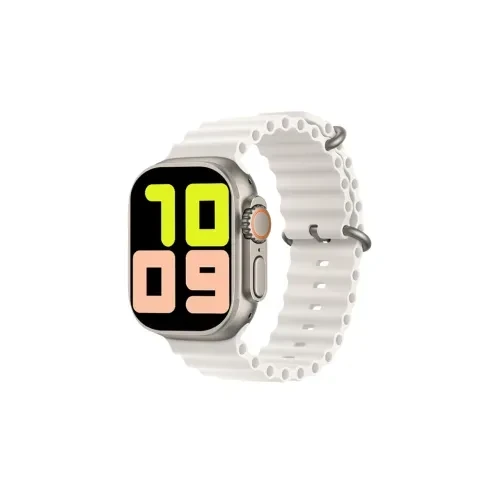
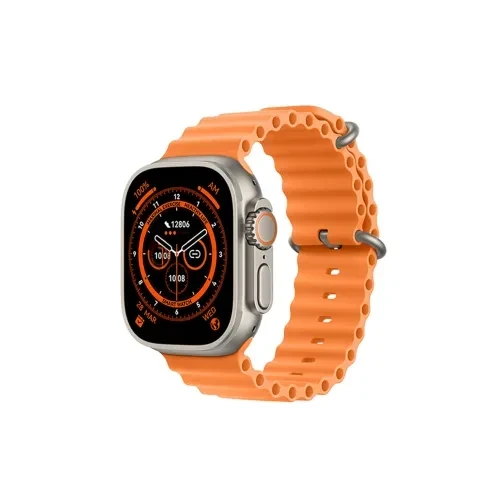
Large Screen: Boasts a sizable display (around 2.09 inches or 49 mm), making it easier to view notifications, fitness data, and watch faces at a glance.
UI Modes: Offers up to eight customizable UI themes to suit your style and preferences.
Bluetooth Calling: Built-in microphone and speaker allow you to make and receive calls directly from the watch when paired with a smartphone.
Voice Assistant: Supports AI voice assistant capabilities for hands-free interaction.
Sport Modes: Includes an extensive suite of fitness options with up to 123 sports modes to monitor a variety of physical activities.
While not explicitly mentioned in the available descriptions, similar models (like T900 Ultra) generally include heart rate, sleep, and activity tracking — though confirm these features before purchase.
Companion App: Often paired via a generic app such as “SmartWatch Connect” on iOS and Android. Setup involves enabling Bluetooth, scanning for the device, and pairing to sync data and notifications.
Getting Started:
Charge the watch using the dedicated magnetic (or cable) charger.
Press and hold the side button for ~3–5 seconds to power on.
Launch the companion app, pair your device, and customize settings.
User Manual (T900 Ultra): A comprehensive guide detailing setup, maintenance, and troubleshooting—useful for understanding similar model features like health tracking, sports modes, charging, and app pairing.
Support App: Third-party guides (e.g., on Google Play) offer step-by-step help for setup and usage—especially handy if the watch’s own instructions are limited.

No review given yet!
 Fast Delivery all across the country
 Safe Payment
 7 Days Return Policy
 100% Authentic Products





You need to Sign in to view this feature

This address will be removed from this list
 english